
OP network
Your supplier's sale becomes your purchase
OP network lets two firms that both use OP Software exchange documents, so a saved sale bill arrives as a ready purchase bill in the buyer's books, and returns, notes, receipts and payments flow the same way.
1 month free. Then ₹2,500 a year for 2 firms. No card needed.
No more typing someone else's bill
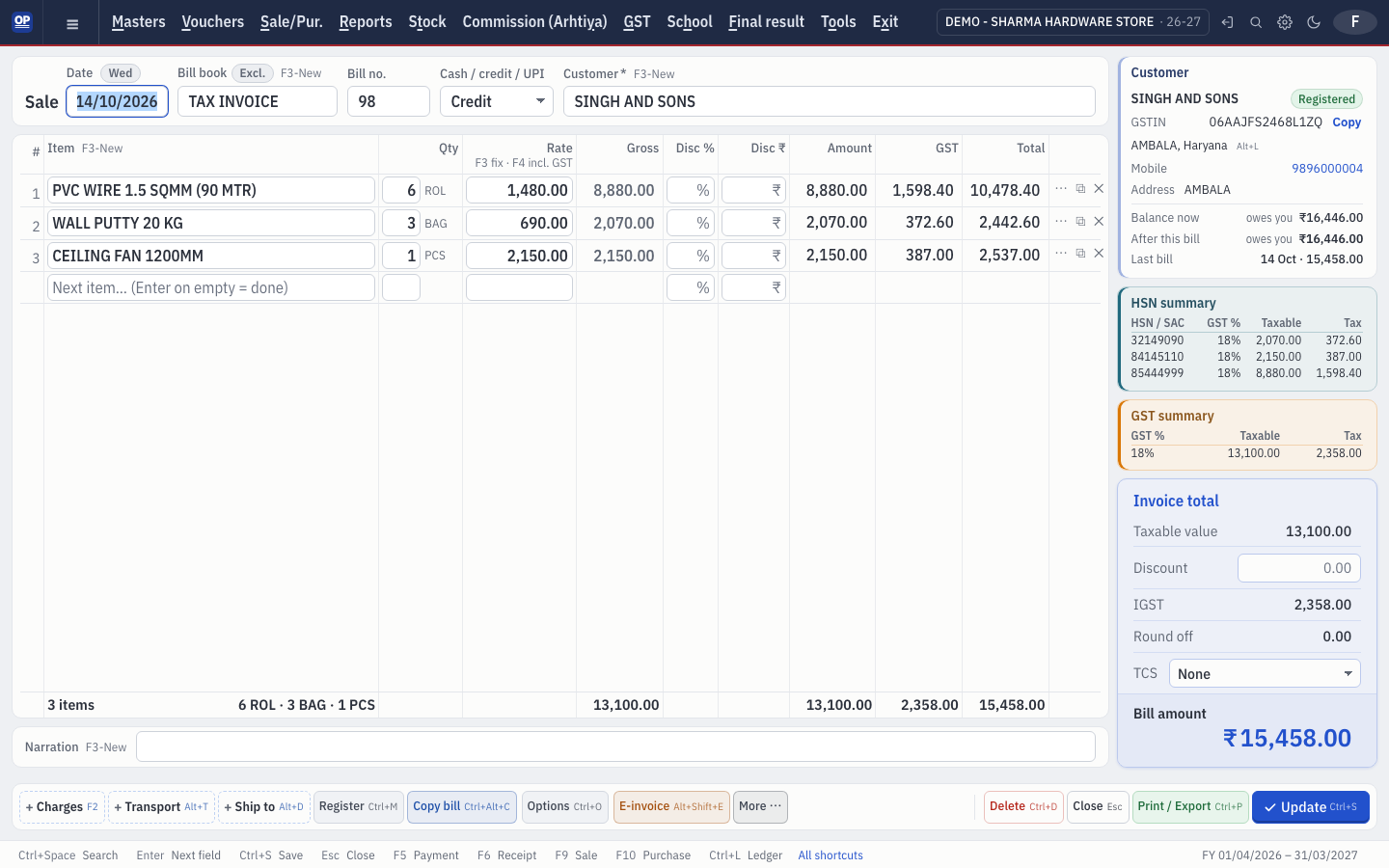
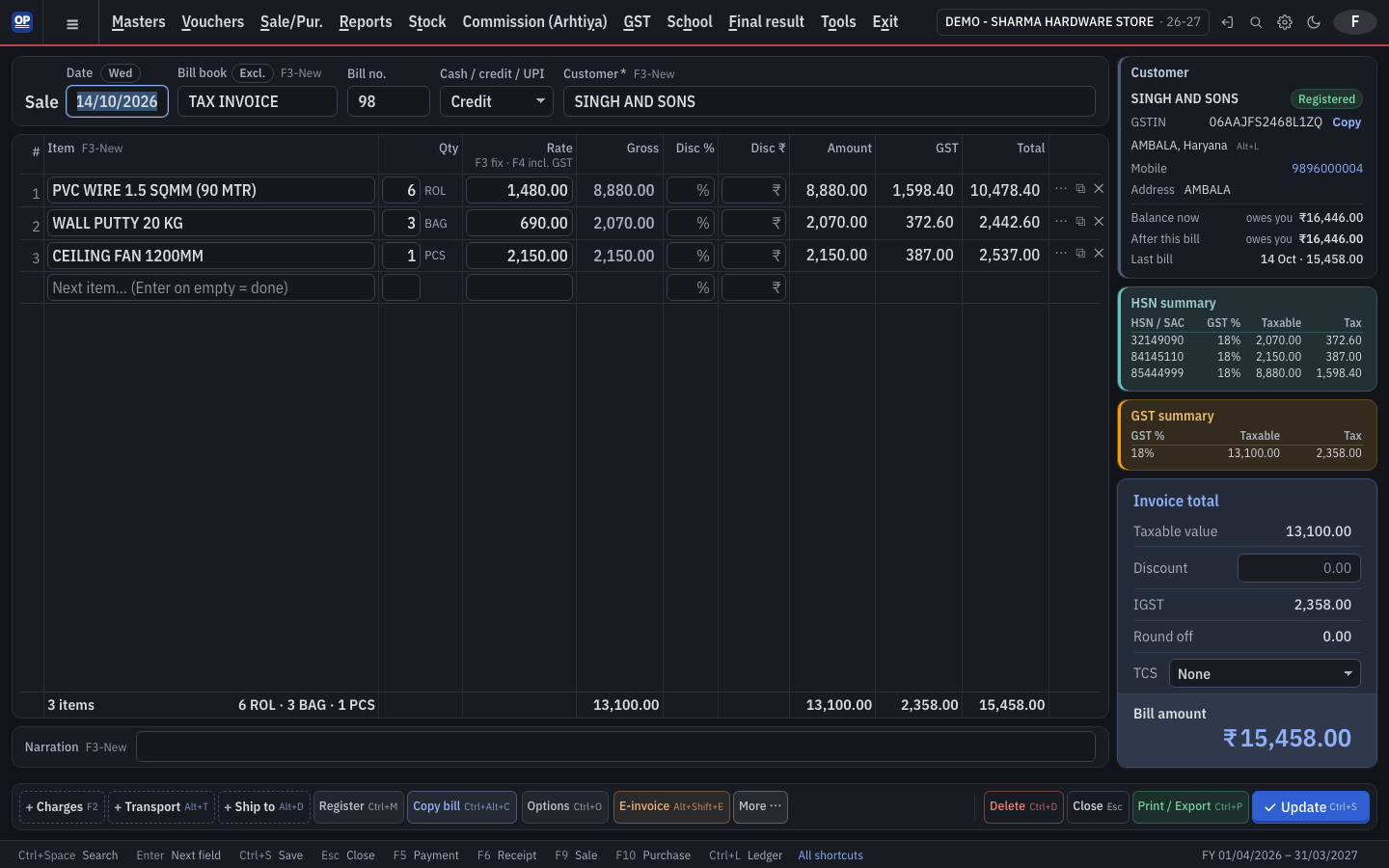
When your supplier saves a sale to your GSTIN, it lands in your OP network inbox as a ready purchase with the same items, GST and transport details. Check it and save.
- Sale → purchase
- Sale return → purchase return
- Credit note → debit note
- Receipt ↔ payment
Private by design
Both firms opt in, and each proves its GSTIN once with a GST portal OTP. Only that one document travels, encrypted — never balances, never other entries.
- Off by default on both sides
- Nothing is posted without you saving it
- Block any sender
Changes arrive as notices
If the supplier edits or deletes the bill, you get a notice and decide whether to apply it to your entry.
Frequently asked questions
What does OP network send to the other firm?
Only the document you saved for that firm's GSTIN — its lines, totals and transport. Your balances, other entries and narration never leave your books.
Is anything posted in my books automatically?
No. Incoming bills wait in your inbox until you check and save them.
Do both firms need OP Software?
Yes. Both firms use OP Software, turn OP network on and verify their GSTIN with a GST portal OTP.
Start your books on OP Software today
1 month free. Then ₹2,500 a year for 2 firms. No card needed.