
💊 Medical stores & pharma distributors
Medical store billing with batch and expiry built in
OP Software's medical store module adds salt or composition on items, drug licences (20B / 21B) on bills, batch, expiry and MRP on every line, PTS and PTR rates, and an expiry report with alerts for pharmacies and pharma distributors.
1 month free. Then ₹2,500 a year for 2 firms. No card needed.
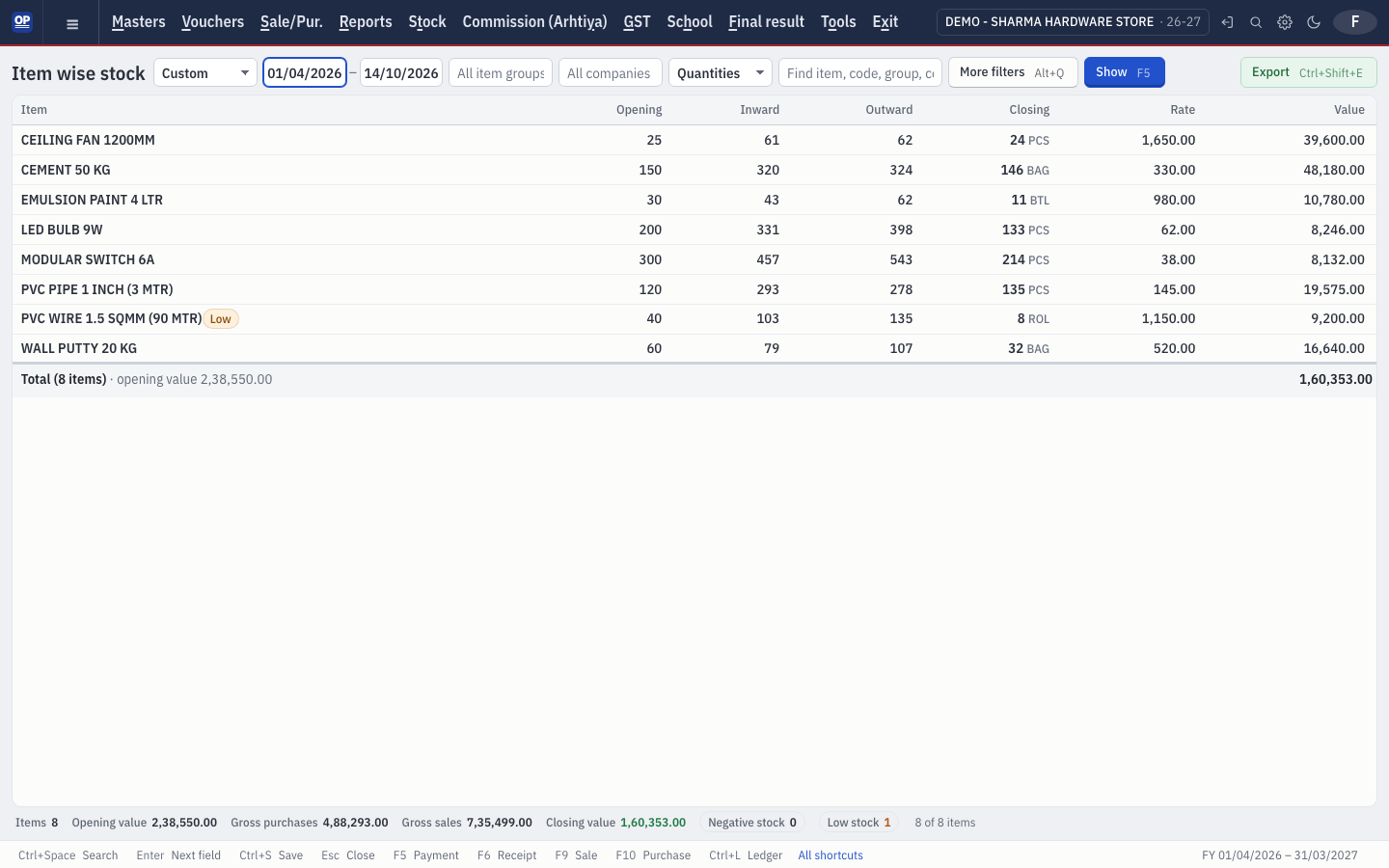
What gets in your way — and how OP Software fixes it
Expired stock is found too late.
Batches are listed by expiry, stock expiring within 90 days is flagged, and the expiry report shows expired, 30, 60 and 90-day stock at cost and at MRP.
A recall means searching every bill.
Batch-wise sale and purchase shows exactly who bought and sold each batch, across all years.
Every party buys at a different rate.
Set each party to Cost, PTS, PTR or MRP and the right rate fills in on the bill.
What you get
- Salt / composition on items
- Drug licence numbers (20B / 21B) on parties, company and invoice
- Batch, manufacturing date, expiry and MRP on every bill line
- PTS and PTR on batches; party price-to-apply
- Doctor and patient fields on the sale
- Half-page trade invoice by default
In the app: choose the business type Medicine Market when you create the company.
Frequently asked questions
Does OP Software work for a medical store?
Yes. Choose the business type Medicine Market or turn on the Medical store switch for salt, drug licences, batch, expiry, MRP and PTS / PTR rates.
Does OP Software stop the sale of expired medicine?
OP Software warns clearly on expired and near-expiry batches and lists them in the expiry report; the final decision stays with the pharmacist.
Can I see which customers bought a batch?
Yes. The batch-wise sale and purchase report traces every batch across all years.
Start medical stores & pharma distributors books on OP Software today
1 month free. Then ₹2,500 a year for 2 firms. No card needed.