
For accountants
Built for people who key entries all day
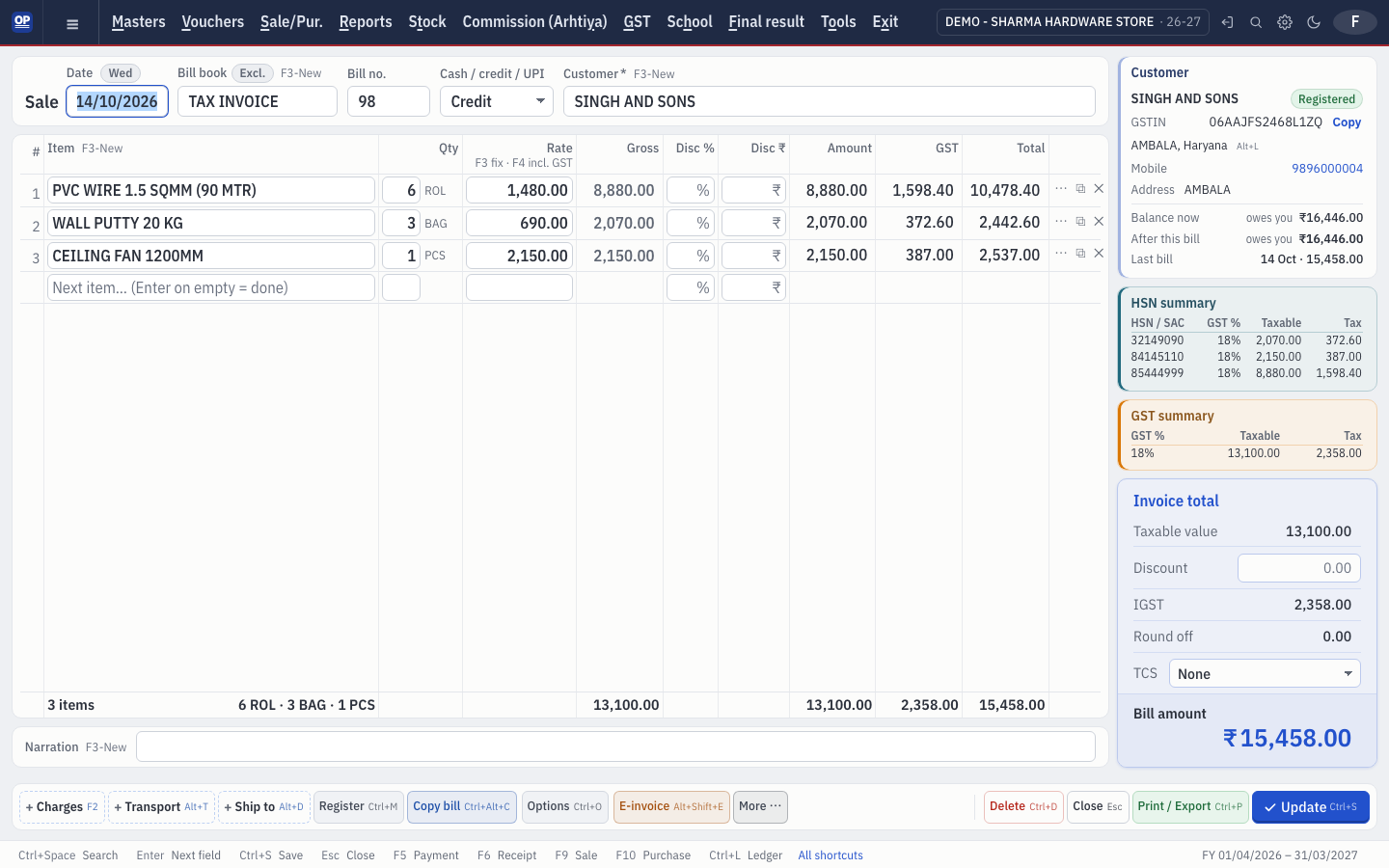
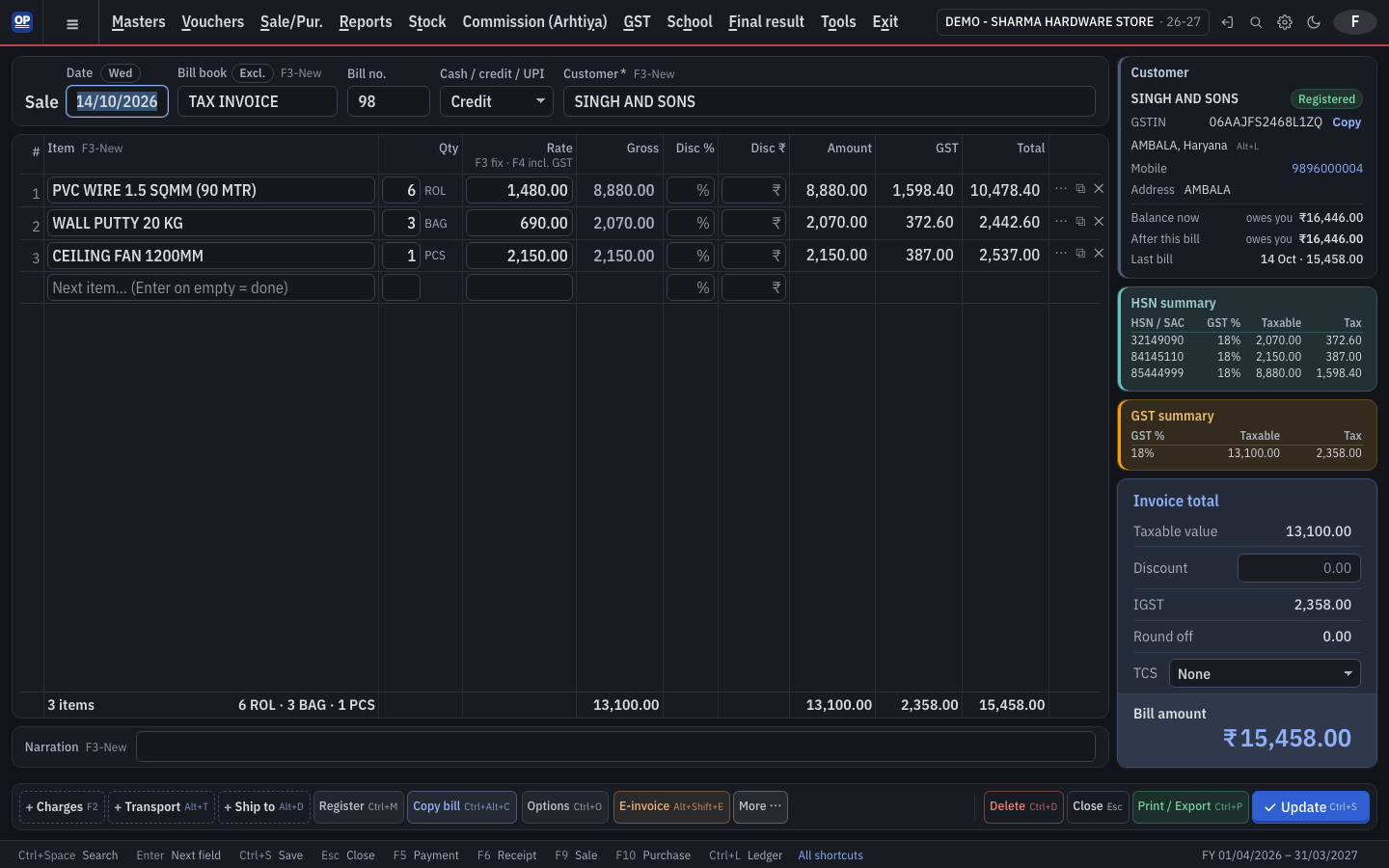
OP Software is cloud accounting software built for accountants who enter vouchers all day, keeping desktop shortcuts like F9 for sale and Ctrl+L for ledger, moving to the next field on Enter and showing totals and balances as you type.
1 month free. Then ₹2,500 a year for 2 firms. No card needed.
What gets in your way — and how OP Software fixes it
Cloud software feels slow and needs the mouse.
OP Software is keyboard-first: Enter moves to the next field, Esc closes, and the maths runs in the browser on every key so typing never waits for the server.
Learning new shortcuts wastes weeks.
The desktop shortcuts stay: F5 payment, F6 receipt, F7 bank, F8 journal, F9 sale, F10 purchase, Ctrl+L ledger, Ctrl+K cash book, Ctrl+W stock.
Typing suppliers' bills again and again.
Import GSTR-2B to purchases, or let OP network bring the bill straight from a supplier who also uses OP Software.
Hunting for a party, bill or report.
Quick search (Ctrl+Space) finds any screen, party, item, bill or company. Numbered menus open with a single key.
Frequently asked questions
Does OP Software have Tally-like shortcuts?
OP Software keeps the shortcuts of the OP desktop software — F9 sale, F10 purchase, F5 payment, F6 receipt, F8 journal, Ctrl+L ledger — and Enter moves to the next field just like desktop accounting software.
Can I type dates quickly?
Yes. Type just the day, or day and month, and OP Software fills in the rest of the date within the open year.
Can several staff work on the same company?
Yes. Add users with roles such as Accountant, Data entry, Sales staff or Viewer, and choose exactly what each one can view, create, edit, delete or print.
Start your books on OP Software today
1 month free. Then ₹2,500 a year for 2 firms. No card needed.