
Switch in minutes
Bring your books from Tally and keep working
OP Software imports masters and the Day Book from Tally XML or Excel, Shkun, OnePlus ERP and OP desktop data, checks every row before saving and compares balances afterwards.
1 month free. Then ₹2,500 a year for 2 firms. No card needed.
Where is your data today?
Tally
Export masters and the Day Book as XML or Excel from Tally, then import them. Accounts, items, opening balances, sales, purchases, receipts, payments and journals come across.
Excel or CSV
Use your own sheets. Column names from Tally, BUSY, Marg and Vyapar exports are recognised automatically.
Shkun
Upload the zipped Shkun company folder and OP Software creates the new company in one step.
OnePlus Business ERP
Upload the Access database (.mdb / .accdb, or zipped) and masters, bills and vouchers come across with a balance check.
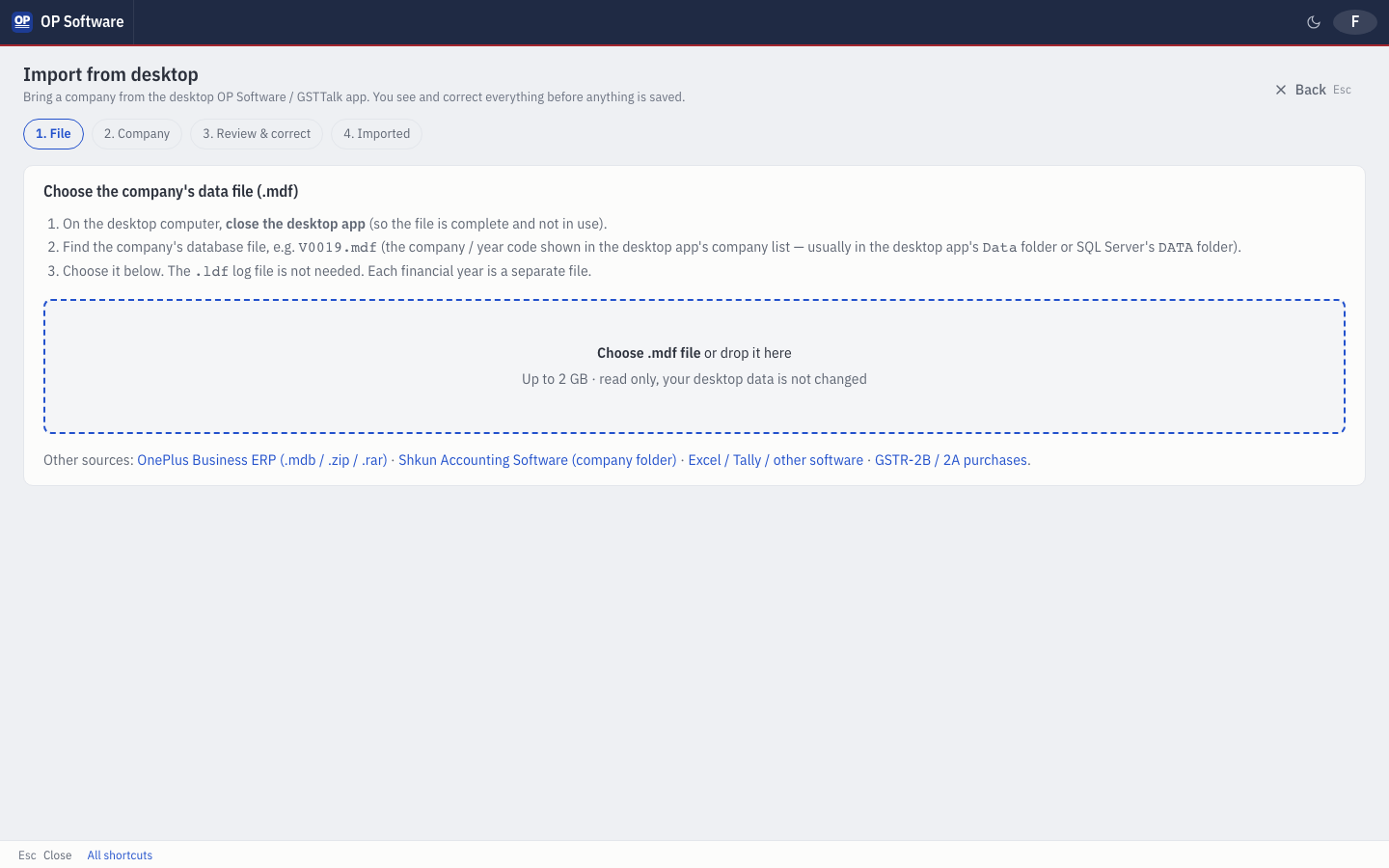
OP / GSTTalk desktop
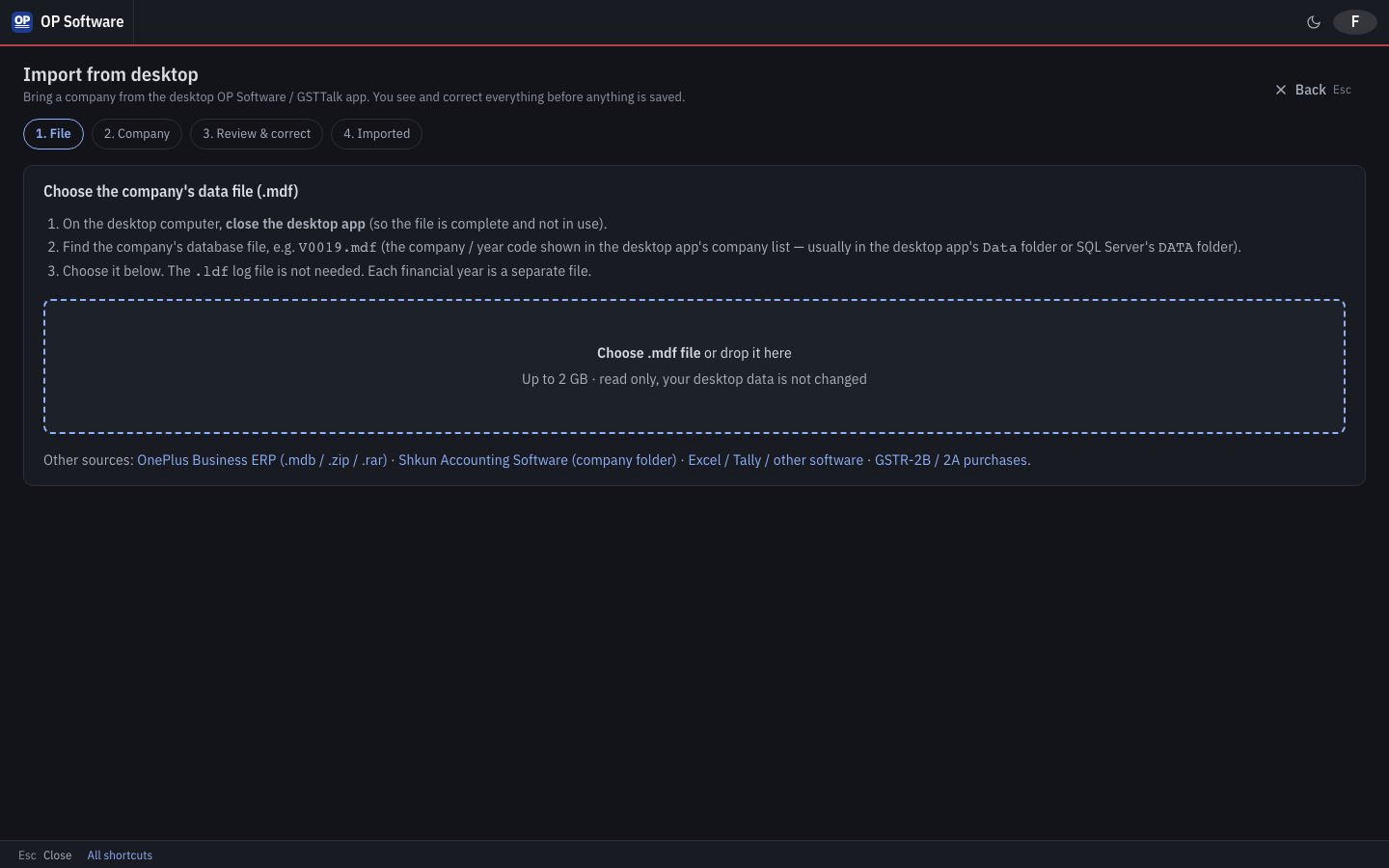
Choose the company's .mdf data file. Everything is checked first, you review and correct, and balances are compared with the desktop afterwards.
Bank statements
Import Excel, CSV or text PDF statements into bank entries.
Four steps, no surprises
- 1
Start your free month and create the company (or let the import create it).
- 2
Choose where your data comes from and upload the file.
- 3
Review the preview. Fix any row OP Software flags — nothing is saved until every row is right.
- 4
Import. Check the balances against your old software and keep working.
Frequently asked questions
Can I import my Tally data into OP Software?
Yes. Export masters and the Day Book from Tally as XML or Excel and import them into OP Software. Accounts, items, opening balances and vouchers come across, and every row is checked first.
What happens if a row has an error?
The import shows the row and the problem with a fix pop-up. Nothing is saved until every row is right, so you never end up with half an import.
How long does importing take?
Minutes. An OP desktop company with about 4,700 vouchers imports in under a minute; a Shkun company is created in one step.
Can I import from BUSY, Marg or Vyapar?
Yes, through Excel: OP Software recognises their export column names. A direct database import for these is not available yet.
Will my old software's data be changed?
No. OP Software only reads the file you upload. Your old software and its data stay exactly as they are.
Start free and import your books today
1 month free. Then ₹2,500 a year for 2 firms. No card needed.